

Log in to Your Pluang Account
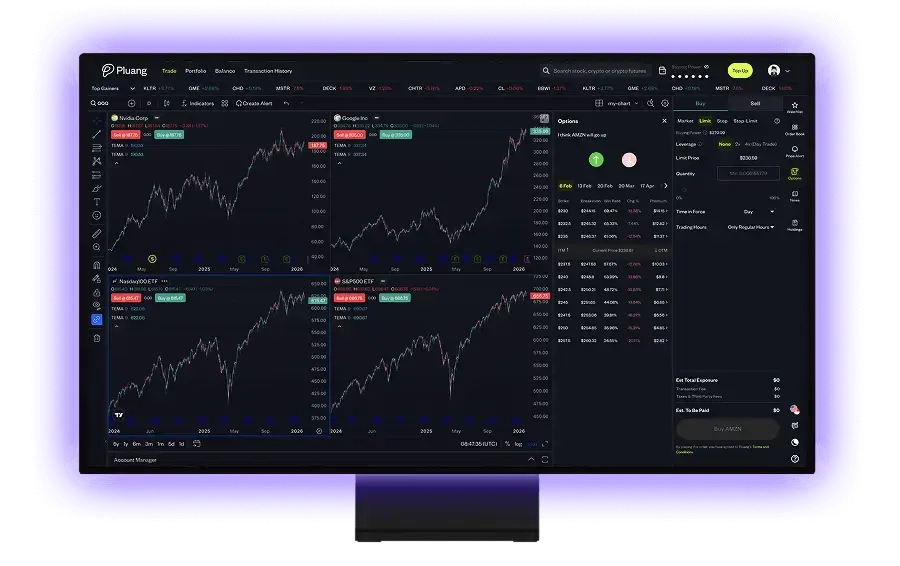
Pluang Web Trading lets you log in to your Pluang account straight from the browser on PC, laptop, or phone — no extra app download required. Your portfolio and balance stay in sync with the Pluang app.
How to Log In to Pluang on PC, Laptop, or Browser
- Open trade.pluang.com/login in a browser such as Chrome, Safari, Firefox, or Edge.
- Enter the phone number registered to your Pluang account.
- Tick the Terms & Conditions consent, then click Log in.
- Enter the OTP code sent via SMS, WhatsApp, or email — you'll land straight on the trading page.
Can't log in?
Make sure the phone number you entered matches the one registered in the Pluang app and that your internet connection is stable. If you still have trouble, contact support via the Need Help button on this page.
Frequently Asked Questions about Pluang Login
Can I open Pluang on a PC or laptop?
Yes. Pluang Web Trading runs directly in the browser on PC, laptop (Windows or Mac), and tablet via trade.pluang.com — no desktop app or emulator needed.
Do I need to download a Pluang app for desktop?
No. Web trading is Pluang's official desktop platform. Just open trade.pluang.com in your browser and log in with your Pluang account.
Is the web trading account the same as the Pluang app account?
Yes. One Pluang account works on both the app and web trading — your portfolio, balance, and transaction history always stay in sync.
How do I log in to Pluang with email?
You log in to Pluang with your registered phone number. If your email is verified, the OTP code is also sent to that email.